How to Create a Web Design: The Software Webmasters Use
Plan your site before you build it. Here's how to make a web design with the apps webmasters rely on, from Photoshop for layouts to Dreamweaver and Notepad for code.
webdesign-jakarta.com - Lots of people want to share their own work with others, and that's the simplest starting point for creating a web design. This time I'll show you how to make a web design with the web design software webmasters use. Before going any deeper into web design, we need to plan what we're going to build. You can do that with the apps below:
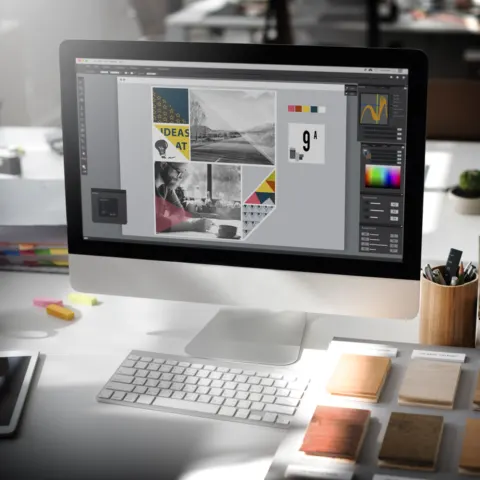
Photoshop
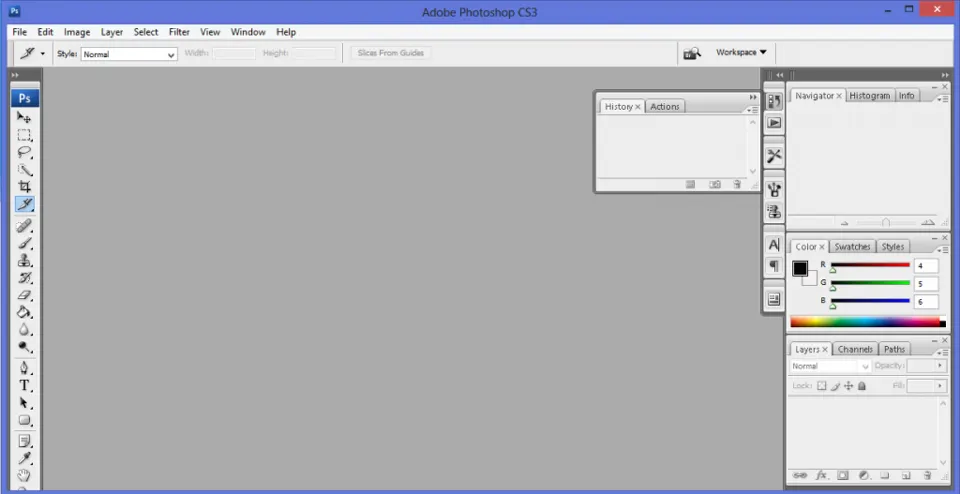
Who hasn't heard of this app? Its menus and image-editing tools can turn photos and graphics into something really impressive, and a huge amount of creative work is made in Photoshop. Many websites start out as a design put together in Photoshop, and Google will turn up plenty of tips and tricks for web design in Photoshop. These days, though, designs also have to be responsive, so people on phones and other gadgets can use the websites we build.
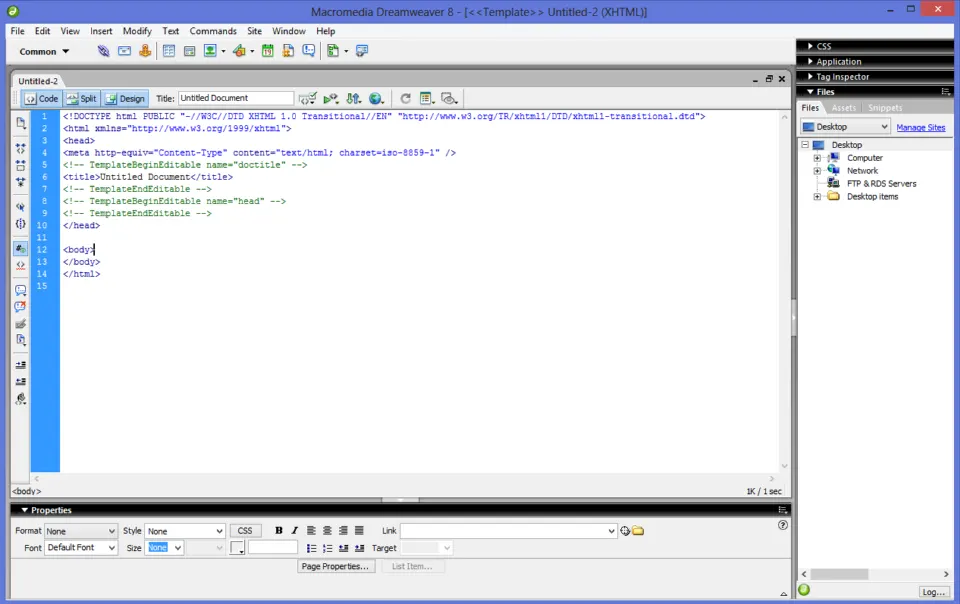
Dreamweaver
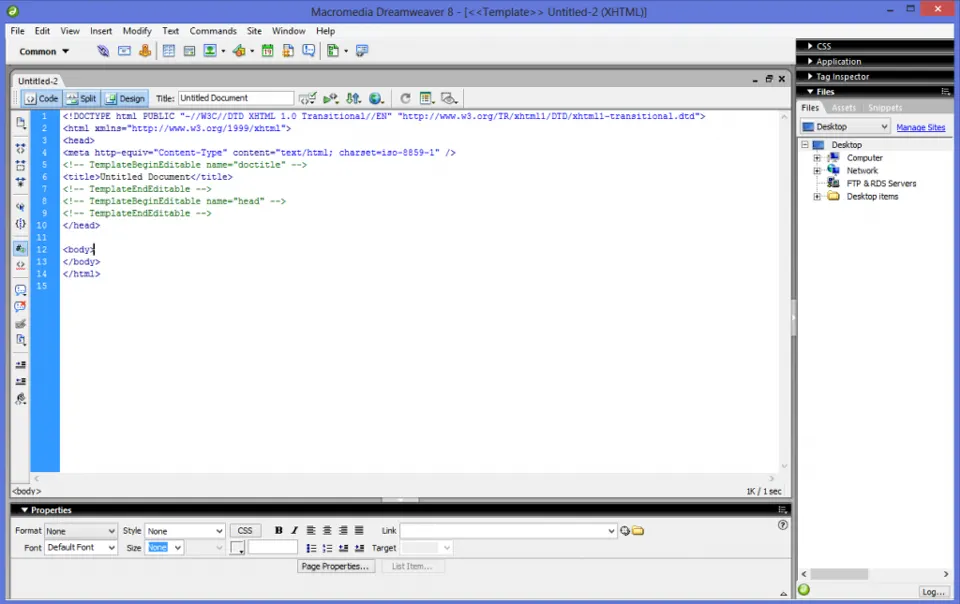
Dreamweaver is a coding app that makes it easier to rework a website's layout, because it was built with webmasters in mind. You can change how a site looks right inside the app, which is a different experience from editing in something like Notepad. There's a fair amount of code to memorize, and most webmasters don't work alone. Dreamweaver offers code suggestions that make the work easier and faster, and it color-codes the different types and parts of your website so the code is easier on the eyes.
Notepad
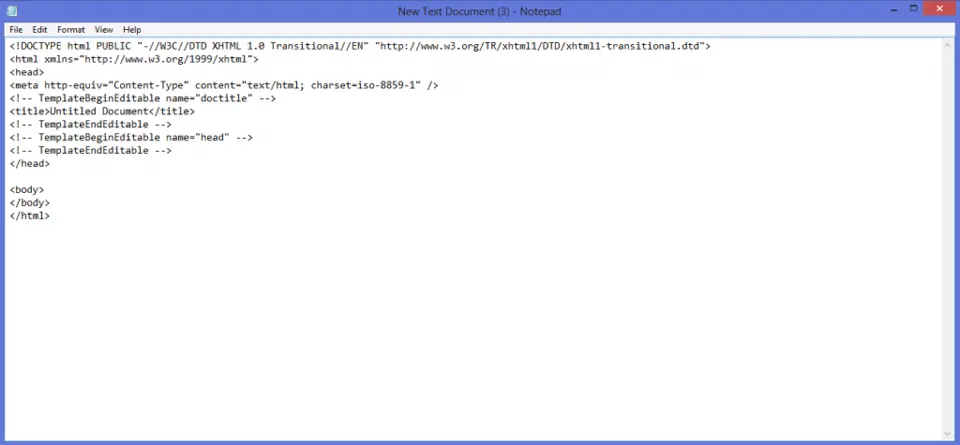
This is the classic way to make a web design, and people still use it because it's effective and simple. The catch is that it gives you no suggestions and won't tell you whether the code you've typed is right or wrong.
CorelDRAW
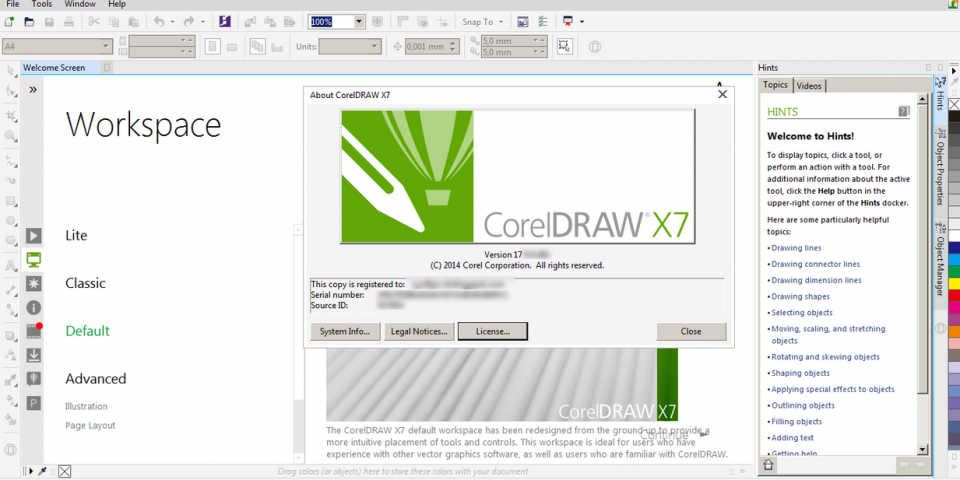
CorelDRAW is extremely detailed when it comes to creating graphics and everything that goes with them. It's mostly used to design logos, images and photos that involve a bit of complexity.
If you want to learn how to make a web design with these apps, whether you're improving a website or building one from scratch, you can find tutorials on Google. Plenty of blogs post web design tutorials for the apps above. Work through them in order so you don't run into errors when you put everything into practice.
 Read next6 Effective Online Marketing Tips That Get Results