Why Your Website Forms Need a CAPTCHA
Why do website forms almost always have a CAPTCHA? Its main job is to stop spammers from getting into your site through those forms.
webdesign-jakarta.com - Why do your website forms need a CAPTCHA? When you watch a web design vendor build your site, you may notice a string of strange letters, or even a simple math problem, on every form. If that puzzles you, it's called a CAPTCHA in web design. So what is a CAPTCHA actually for? Why is it almost always there, no matter which web design vendor you choose? The main purpose of a CAPTCHA in web design is to stop spammers from getting into your site through its forms. Spammers here means people who keep posting comments that have nothing to do with the topic of the page. They usually include live links in the hope of getting backlinks. If your website gets hit with links from these spammers, your search rankings suffer: Google treats yours as a spam site, and it drops down the results. That really hurts, doesn't it?
Yes, the weakness of a form without a CAPTCHA is that spammers can attack it very easily. Adding a CAPTCHA during web design will at least prevent that. A simple bot can't read a string of letters or solve a simple math problem on a website form that was given a CAPTCHA during web design. You don't want your website flooded by spammers who aren't your customers, do you?
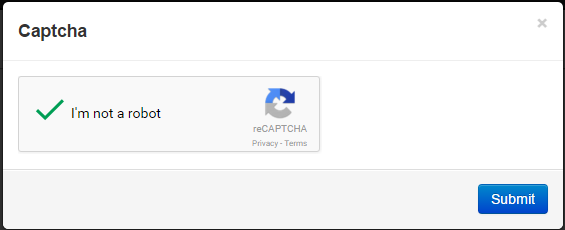
Here are the types of CAPTCHA that websites commonly use today to fight spammers:
- CAPTCHA (http://www.captcha.net/).
- reCAPTCHA (http://recaptcha.net/)
- Securimage (http://www.phpcaptcha.org/)
- Captcha Code Creator (http://www.captchacreator.com/)
- Captcha Genie (http://www.captchagenie.com/)
- Webspamprotect (http://webspamprotect.com/)
- Open Captcha (http://opencaptcha.com/)
- Internet Captcha (http://www.icaptcha.com/)
- Hello Captcha (http://hellocaptcha.com/)
- EasyCaptchas (http://www.easycaptchas.com/)
If you have a website you want to protect from spammers, you can use a CAPTCHA from one of the sources above. If you use WordPress, it will usually recommend that you install the Akismet plugin and activate it with an API key. Even so, keep an eye on the comments that come into your website and set them to manual approval.