5 Traits of a User-Friendly Website Design
Design matters to every website. Here are five things that make a website design user-friendly, so visitors find their way around easily and stay longer.
Contents 6 sections
Website Design
webdesign-jakarta.com - Design is essential to every website. When you build and plan a website, you need to learn about website design. Good website design makes a site user-friendly and appealing to visitors. Many visitors feel uncomfortable on websites that aren't user-friendly, and poor navigation frustrates them too. So if you want visitors to stay on your website longer, you need to understand what makes a website design user-friendly. Here are the key points for creating a user-friendly website design:
Easy-to-Understand Navigation
The first thing you can do for a user-friendly website design is create navigation that's easy to understand. Visitors often aren't sure which page of a website they're on. Website navigation tells visitors which page they're currently on. It also makes it easy for them to move from one page of the site to another. Good navigation is also very useful for website owners who want to optimize their sites for SEO. Good navigation also increases the site's UV (user views) and keeps it from feeling monotonous.
Loading Time
A user-friendly website design also takes the site's loading time into account. Visitors don't want to waste their internet data waiting for a slow website to load. When visitors come to your site, a long load time will make them hit close or the X on your page right away. Think this point through carefully. Don't make your website too heavy to open. Websites that load slowly usually have too much large content, such as videos, photos, Flash and more. So keep your website light and concise, but still informative and engaging. On top of that, using too many plugins in a CMS will also make your website sluggish. To prevent this, use lightweight CSS, avoid useless widgets and plugins and, if possible, use a CMS built on a CSS framework such as Bootstrap, Laravel and so on, so your website is responsive and loads quickly.
Easy to Understand
Website visitors must be able to understand your content. One way to make your website easy to understand is through typography. For websites with news or other informational content, you need to choose the right fonts and get the combination of colors and letter spacing on the page right. If you don't apply typography to your website design, it will look messy and cluttered. In addition, the way content is organized on a website should follow SEO rules, meaning correct heading formats, paragraph formatting, and image alt text that matches the image or video.
Social Buttons
Social buttons are the next element of an SEO-friendly website design. Social buttons on a website don't just benefit the site's owner. Every visitor can share your content, and users also find it convenient to take actions on the site, such as logging in with a social media account or commenting through a plugin connected to Facebook or Twitter. Social buttons will also affect your website's position in search engines.
Easy to Use
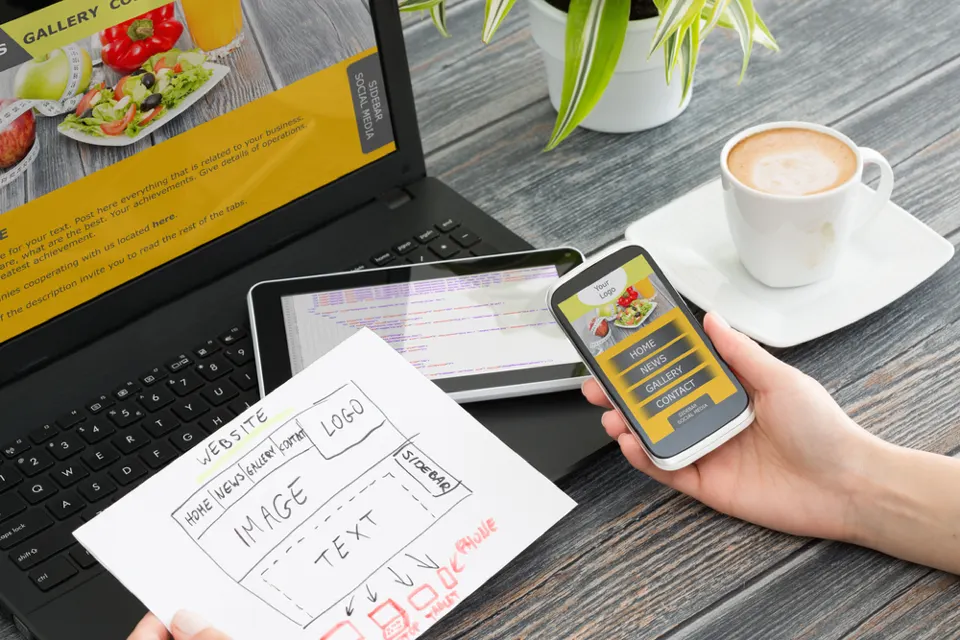
Another way to make a website design user-friendly is to make the site easy to use in different browsers, usable on different devices and sized to fit the screen. A layout that's too wide or too small can make visitors uncomfortable on your website.
User-friendly websites get more visitors than websites that aren't user-friendly. So if you're planning to build a website, you should give it a user-friendly website design. If you don't know how to design a user-friendly website, you can use professional web design services and visit our website at www.webarq.com.
Read nextHTML & CSS Color Codes: A List by Primary and Secondary Color